• ✍️ Academic Writing Desk
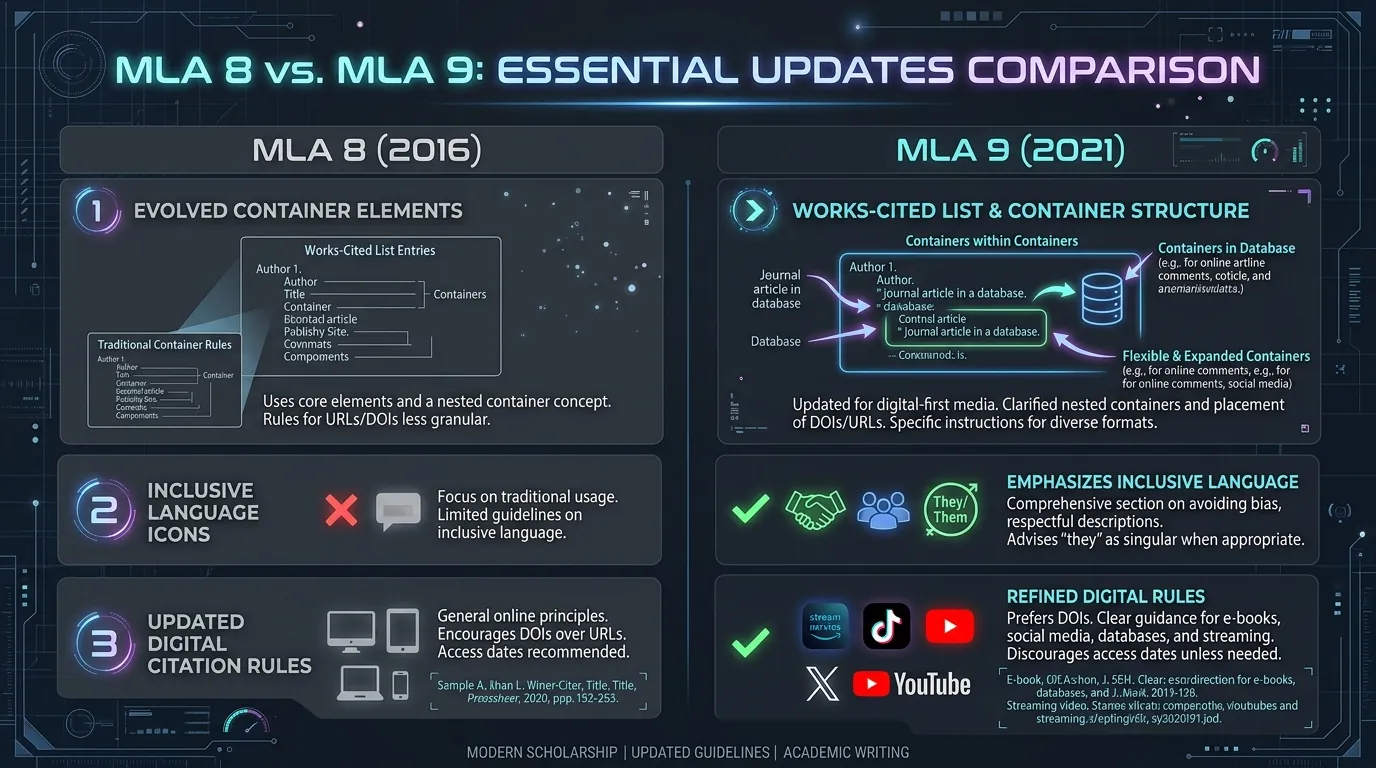
Difference Between MLA 8 and MLA 9 Citations
Detailed comparison of MLA 8 vs MLA 9 citations. Learn what changed, what stayed the same, and how to convert older MLA 8 references to MLA 9.
Read Article →Generator Cytowań MLA to bezpłatne narzędzie online, które automatycznie tworzy poprawnie sformatowane przypisy i bibliografię w stylu MLA (Modern Language Association). Zamiast ręcznego formatowania, studenci i badacze po prostu wprowadzają dane, takie jak autor, tytuł, wydawca i data — narzędzie natychmiast generuje dokładne, gotowe do użycia cytowanie.
Jest powszechnie stosowane w pracach akademickich, artykułach naukowych i esejach, ponieważ styl MLA posiada rygorystyczne zasady dotyczące interlinii, interpunkcji i kolejności elementów, w których łatwo o pomyłkę.
Oto 5 kluczowych korzyści z używania internetowego generatora cytowań MLA:
9 Elementów Kluczowych & Eksplorator Kontenerów MLA 9
Kliknij dowolny z 9 elementów poniżej, aby sprawdzić reguły interpunkcji i zobaczyć podświetlenie składni na żywo.
Autor
Wybierz element powyżej, aby zobaczyć jego składnię.
Jak działa Generator Cytowań MLA:
Wydania drukowane, e-booki lub audiobooki
Drukowane i internetowe czasopisma akademickie
Drukowane i cyfrowe treści magazynowe
Drukowane i internetowe źródła informacyjne
Podstrony, blogi i artykuły online
Twitter/X, Instagram, Facebook, TikTok itp.
Platformy streamingowe i serwisy wideo
Premiery kinowe i treści streamingowe
Pojedyncze odcinki lub całe sezony
Pojedyncze odcinki lub całe serie
Wywiady osobiste, publikowane lub transmitowane
Raporty, ustawy i oficjalne dokumenty
Publikowane i niepublikowane prace akademickie
Use our free dedicated generators for specific source formats — each tool has customized fields, formatting logic, and examples.
Cite web pages, online articles, and digital publications with URL and access date fields.
Format print and digital books with author, editor, edition, publisher, and year fields.
Cite peer-reviewed articles with volume, issue, page range, and DOI fields.
Convert any Digital Object Identifier into a properly formatted MLA citation entry.
Identify the exact book edition by ISBN and generate the correct MLA book citation.
Cite PDF documents, reports, and downloadable files based on their content type.
Cite photographs, artwork, and digital images with creator, medium, and location fields.
Format film and documentary citations with director, studio, and streaming platform fields.
Cite YouTube videos with channel name, upload date, and video URL fields.
Cite songs, albums, and music tracks with artist, label, and streaming platform fields.
Cite poems from collections, anthologies, and online sources with line-number guidance.
Cite published, broadcast, and personal interviews with interviewee and container fields.
Zobacz poprawnie sformatowane przykłady według 9. wydania MLA dla wpisów bibliograficznych (Works Cited) oraz cytowań w tekście.
Przewodnik formatowania MLA — Kluczowe zasady:
Generator Cytowań MLA 9 tworzy wpisy sformatowane zgodnie z 9. wydaniem podręcznika MLA Handbook — aktualnym standardem w szkołach wyższych i na uniwersytetach. Wykorzystuje najnowsze zasady 9 elementów kluczowych.
Główne funkcje:
Odpowiedzi ekspertów na najczęstsze pytania dotyczące zasad cytowania MLA 9, plików PDF, cytowań w nawiasach i oznaczania AI.
Tak, narzędzie jest w 100% darmowe, bez ukrytych opłat i bez wymogu zakładania konta.
Tak, generator opiera się na aktualnym 9. wydaniu MLA (2021).
Tak, cytowanie rozpocznie się wówczas od tytułu artykułu lub strony.
Tak, otrzymasz zarówno cytowanie w tekście (autor strona), jak i pełny wpis bibliograficzny.
Tak, format MLA 9 w pełni obsługuje posty z social mediów, podcasty i wideo online.
Zaleca się rzut oka na poprawność wpisanych dat i nazwisk, aby upewnić się o braku literówek.
Tak, możesz skopiować lub wyeksportować kompletną listę źródeł jednym kliknięciem.
Poznaj nasze szczegółowe przewodniki po stylu MLA 9, zasady formatowania i wskazówki dotyczące bibliografii.
Detailed comparison of MLA 8 vs MLA 9 citations. Learn what changed, what stayed the same, and how to convert older MLA 8 references to MLA 9.
Read Article →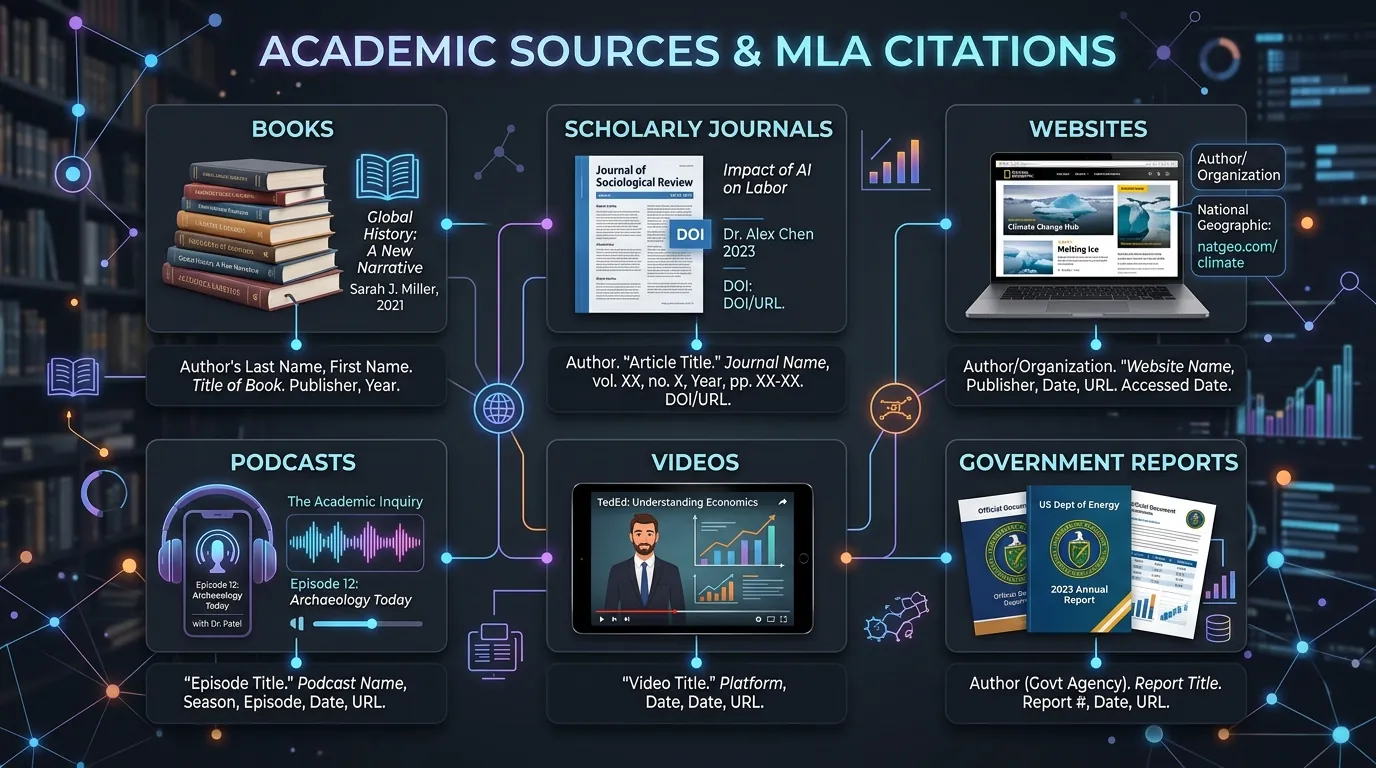
Comprehensive guide to generating MLA citations for books, journals, websites, reports, videos, podcasts, and images with MLA 9 rules.
Read Article →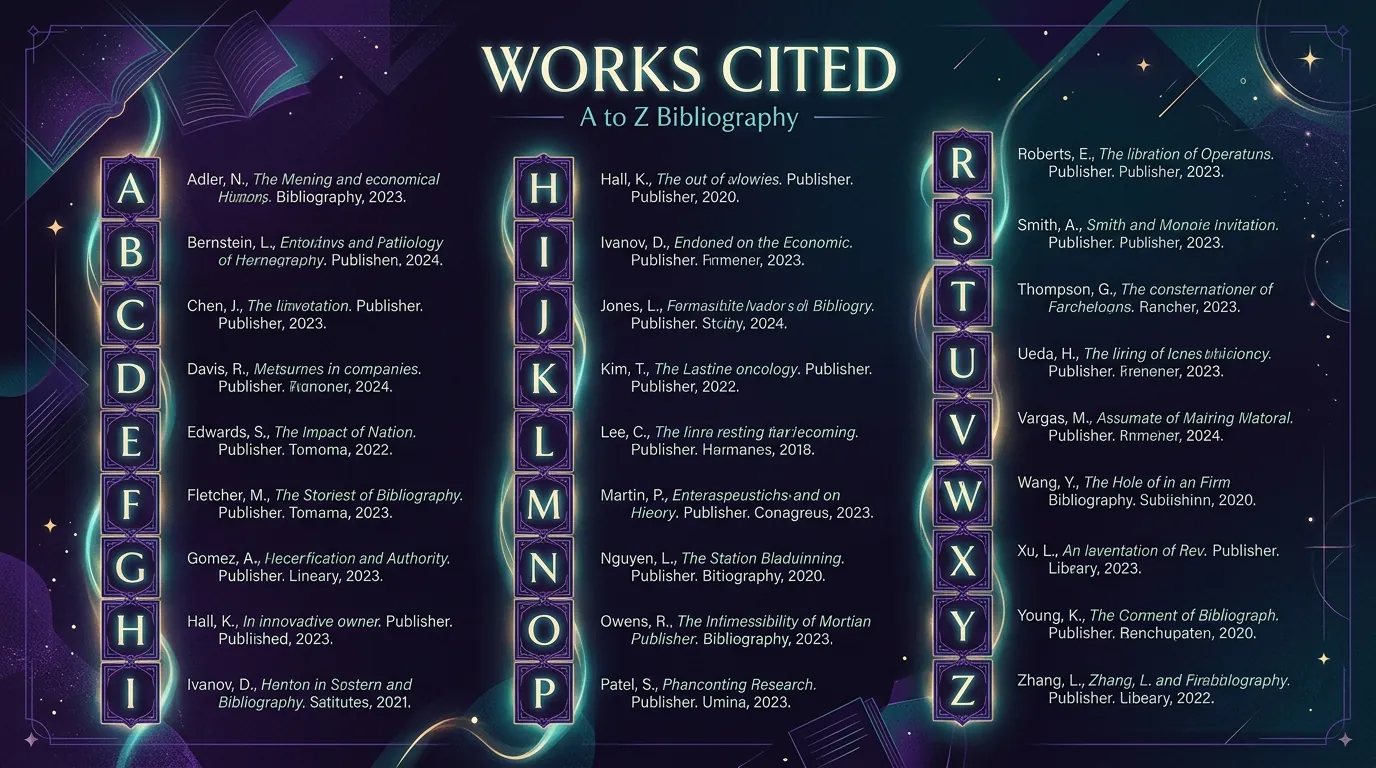
Learn how to alphabetize MLA Works Cited entries correctly. Letter-by-letter sorting rules for identical authors, group authors, and titles starting with numbers.
Read Article →