How to Check an Online MLA Citation for Accuracy
Learn how to check an MLA citation generated online step by step. Discover what to verify, common tool mistakes, and how to ensure MLA 9 accuracy.
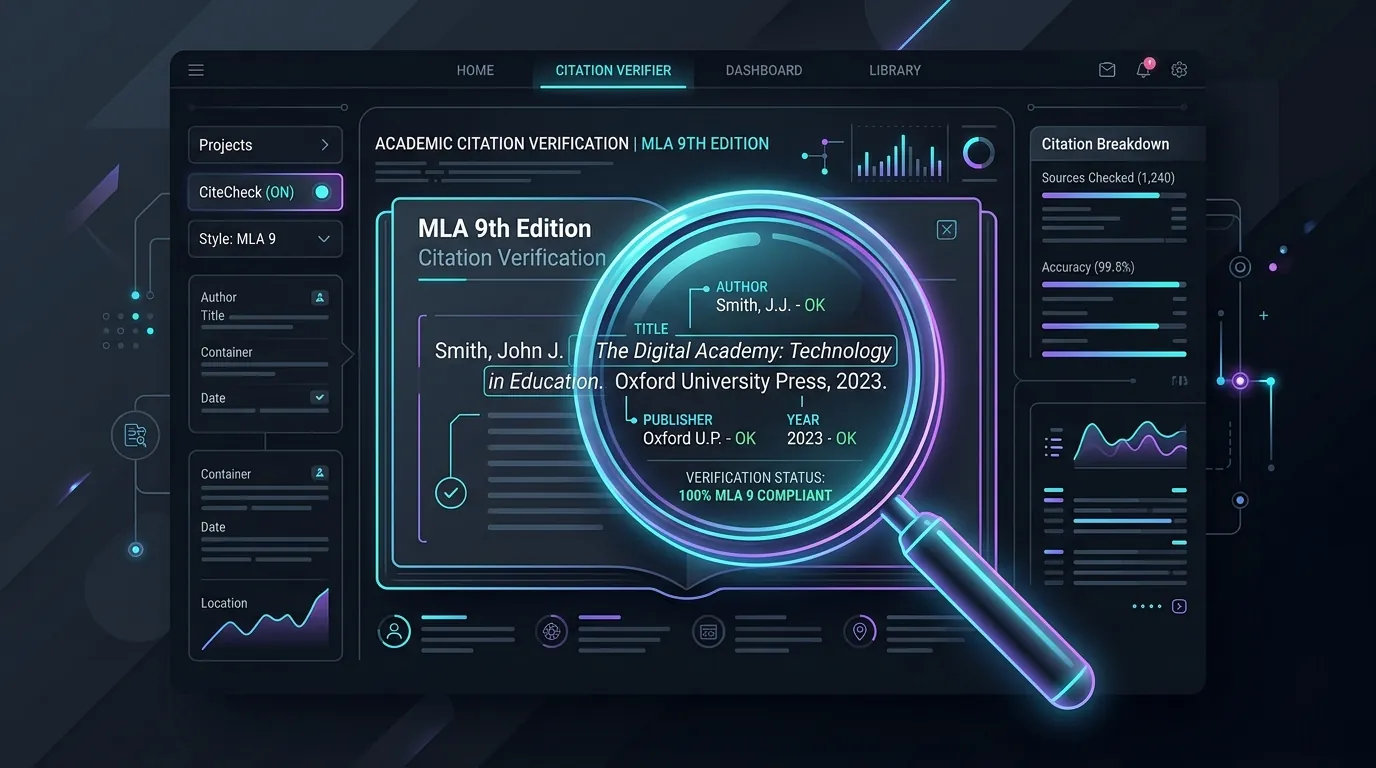
Citation tools feel like magic. You paste a link, and a tidy entry appears in seconds. Sadly, that entry can hide small errors that cost you points. Many students now ask chatbots for citations too, so a ChatGPT MLA citation deserves the same careful look. This guide shows you how to check an MLA citation generated online, step by step. You’ll learn what to verify, what tools miss, and how to fix problems fast.
What Information Should You Verify in an Online MLA Citation?
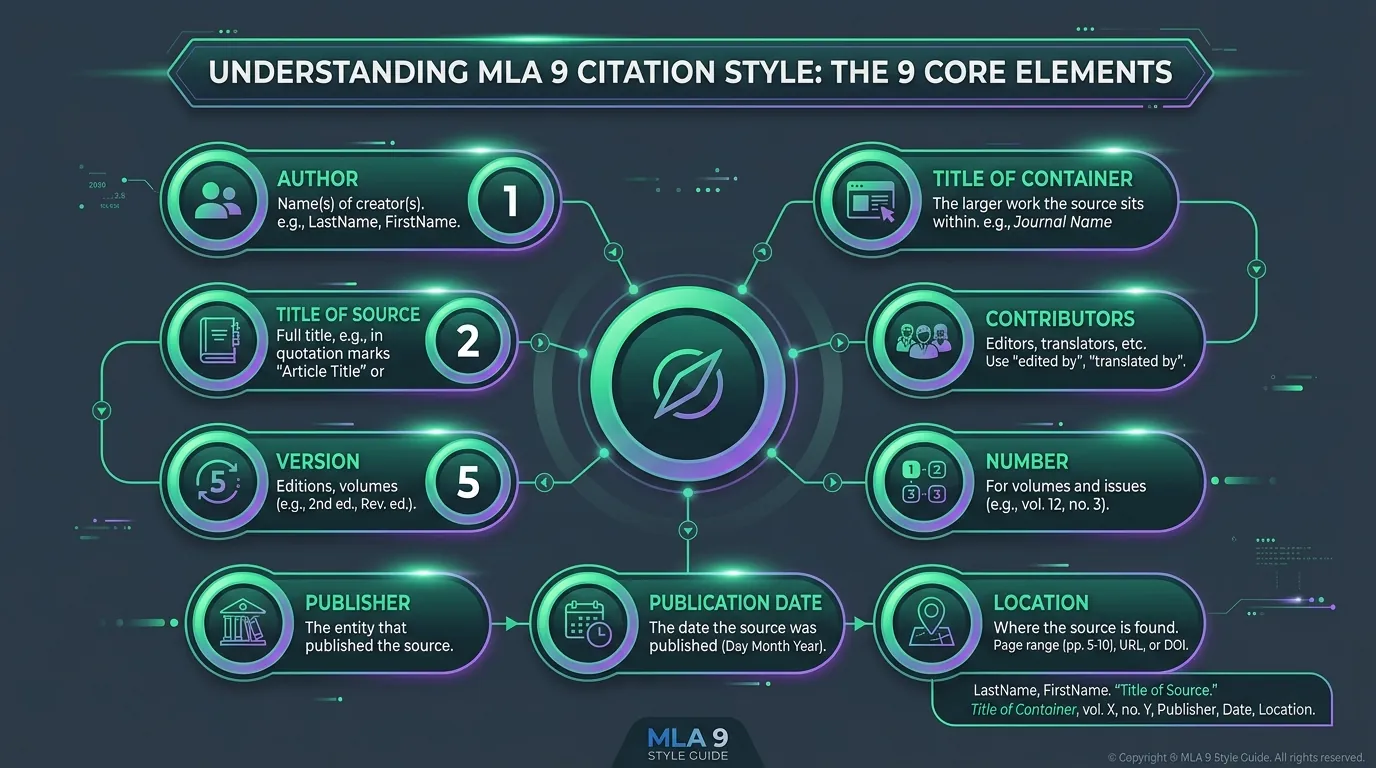
MLA 9 builds every entry from nine core elements. These are author, title, container, other contributors, version, number, publisher, date, and location. When you check an MLA citation generated online, review each one. A missing detail matters just as much as a wrong one.
The same model shapes an artificial intelligence citation. Current MLA AI guidelines use these elements for chatbot answers too. The table below shows what to verify for regular sources and for artificial intelligence sources.
| Core Element | What to Verify | AI Source Version |
|---|---|---|
| Author | Real person or group | Leave out, since AI isn’t an author |
| Title of source | Exact title and subtitle | Description of your prompt |
| Container | Website, journal, or database | Tool name, such as ChatGPT |
| Version | Edition number | Model or version name |
| Publisher | Correct company | Company behind the tool |
| Date | Publication date | Date of the response |
| Location | DOI or web address | Shared chat link |
How Can You Compare a Generated Citation With Its Original Source?
Open the source right beside your citation. Don’t trust a search snippet or a preview card. For a book, check the title page and copyright page. For an article, study the byline, header, and footer.
Next, compare each element one at a time. Does the title match word for word? Is the date the same? This side-by-side habit catches most errors. It also works for AI source documentation, where you compare the entry with your saved chat.
Where to Find Reliable Details When You Check an MLA Citation
Trust database records, DOI pages, and publisher pages most. A generator is like a photocopy of a photocopy, since each copy gets blurrier. For a chatbot citation, your saved conversation is the best record. It keeps every ChatGPT reference honest and easy to confirm later.
What Author, Title, and Publication Details Need Careful Checking?
Author order trips up many tools. The first author appears as Last, First. A second author appears as First Last. Three or more authors use the first name plus “et al.”
Titles need title case, not all capital letters. Also check italics and quotation marks. Books and websites get italics, while articles get quotation marks. For citing ChatGPT, remember one key rule. MLA never lists the tool as the author, so fix any MLA AI citation that does.
Common Author and Title Mistakes in an Online MLA Citation
Tools often treat a site name as the author. They also drop subtitles or middle initials. Here’s a quick before-and-after fix:
Wrong: ChatGPT. “Dust Bowl.” OpenAI, 2026.
Right: “Explain the causes of the Dust Bowl” prompt. ChatGPT, GPT-4o version, OpenAI, 12 Sept. 2026, [shared chat link].
This MLA AI citation example shows how a small change makes a big difference.
How Do You Check Containers, URLs, and Other Digital Source Details?
A container is the bigger work that holds your source. A journal sits inside a database. An article sits inside a website. Generators often confuse the container with the publisher, so check both carefully.
Now look at the location. MLA prefers a DOI over a regular web address. You can also drop “https://” for a cleaner look. Any digital AI source or web page may change later. So an access date strengthens your AI citation format and your regular web entries alike.
Verifying DOIs and Web Addresses in Citations Generated Online
Paste each DOI or address into your browser. Does it open the right page? Remove tracking codes and school proxy details, since others can’t open them. For an MLA citation for chatbot responses, use the tool’s share link whenever one exists.
What Formatting Errors Can Appear in Automatically Generated MLA Citations?
Punctuation slips are very common. You may spot missing periods or doubled commas. Old MLA 7 labels like “Web.” or “Print.” also sneak in.
Dates cause trouble as well. MLA 9 uses day, month, year with short month names. Every MLA 9 AI citation follows this order too. The table below lists frequent errors and their fixes.
| Error | What It Looks Like | MLA 9 Fix |
|---|---|---|
| Old medium label | …2026. Web. | Delete “Web.” |
| Wrong date order | Sept 12, 2026 | 12 Sept. 2026 |
| Placeholder date | n.d. | Leave it out and add an access date |
| AI listed as author | ChatGPT. “Prompt.” | Start with the prompt |
Fixing Hanging Indents and Spacing After You Paste a Citation
Pasting often strips formatting. In Google Docs, open Format, then Align and indent, then Indentation options, and choose Hanging. In Microsoft Word, open the Paragraph box and pick Hanging under Special. Keep double spacing and alphabetical order on your ChatGPT Works Cited page too.
How Can You Confirm That an MLA Citation Is Complete and Accurate?
Do one final pass before you submit. Match each element to the source once more. Then make sure your in-text citation matches the first word of the entry.
This matters even more for AI-generated content citation. Your in-text version uses a short form of the prompt. That keeps AI output attribution clear for your teacher. Use the table below as your quick final check.
| Check | Question to Ask |
|---|---|
| Author | Is it correct or rightly left out? |
| Title | Does it match the source exactly? |
| Container and publisher | Are both correct and not mixed up? |
| Date | Is it in day, month, year order? |
| Location | Does the link or DOI open properly? |
| In-text match | Does it point to the right entry? |
What Information Can an MLA Citation Generator Get Wrong?
Generators misread metadata all the time. They confuse editors, translators, and editions. They swap reprint years for original dates. Volume and issue numbers slip too.
AI tools bring a newer risk. A chatbot may invent sources that don’t exist. So treat every AI response citation list as a rough draft. Case study: Picture a college freshman who asks a chatbot for five sources. Two of the books turn out to be fake. A quick library search catches the problem before her deadline.
How Do You Handle Source Details That an Online Generator Cannot Identify?
MLA 9 is flexible. If an element is missing, simply leave it out. Don’t add “n.d.” or “n.p.” If there’s no author, start with the title.
If there’s no date, add an access date at the end. If a work has no title, write a short description instead. These same rules guide generative AI MLA entries. They also shape any generative AI citation, where you describe the prompt rather than inventing a title.
What Manual Checks Are Still Needed After Using an MLA Citation Generator?
Tools are only a starting point. Your teacher grades the final result, not the tool. So compare every entry against trusted MLA guidance, such as the official MLA Handbook.
Also read your school’s rules on AI. Many classes now expect a short disclosure note for ChatGPT academic use. This supports honest AI academic citation habits. It also makes your AI writing citation choices easy for instructors to understand.
A Quick Routine to Check MLA Citations Generated Online Every Time
Build a two-minute habit: compare, correct, format, and confirm. It works just like spell-check. The tool helps, yet you still proofread. This routine also strengthens your MLA documentation AI entries and every AI tool citation you add.
Conclusion
A citation generator saves time, but it can’t replace your judgment. Compare every entry with its source, and fix author order, titles, and dates. Leave out details you can’t confirm instead of guessing. Apply the same care to chatbot answers and MLA format for AI sources. Each time you check an MLA citation generated online, you protect your grade. You also protect your credibility, which matters far more than a few saved minutes.